
Open/Close CD

Open/Close CD v1.20 - CD-ROM Drive Eject Utility

Open or close your CD-ROM drive from the command line and optionally launch a program

FREE

Eject or Close Your CD-ROM from the Command Line

Open/Close CD opens or closes your CD-ROM drive and then optionally launches a specified program. Think of a program you use all the time that requires a CD -- now imagine if launching that program automatically opened your CD-ROM for you. That is exactly what Open/Close CD was created for.

Open/Close CD supports multiple CD-ROM drives via the command line. Just specify the drive letter to target a specific drive. It works seamlessly in shortcuts, batch files, login scripts, and automated workflows. The program closes itself automatically after performing the requested action.

Who Is This For?

  • CD-based application users -- Automatically eject the CD tray when launching programs that require disc media.
  • Script developers -- Integrate CD drive control into batch files, scheduled tasks, or automated workflows.
  • IT administrators -- Manage CD-ROM drives remotely or as part of deployment and maintenance scripts.
  • Power users -- Create desktop shortcuts that open or close the CD drive with a double-click, optionally launching a program afterward.

Key Features

Open or Close Eject or retract the CD-ROM tray with a simple command. Use the words "open" or "close" on the command line for intuitive control.
Multiple Drive Support Specify any drive letter to target a specific CD-ROM drive. Ideal for systems with multiple optical drives.
Program Launcher Optionally launch any program after opening or closing the drive. Create shortcuts that eject the tray and start an application in one action.
Script-Friendly Runs entirely from the command line. Integrate into batch files, shortcuts, login scripts, or any automated workflow.
Self-Closing Open/Close CD automatically exits after performing the requested action. No process left running, no cleanup needed.

Fully Portable -- Zero Installation

No Installation Required
No Installation Required Runs directly from an .exe file. No setup wizard, no "Next, Next, Finish."
Runs From USB
Runs From USB Copy to a flash drive and use on any PC. IT techs carry these on a keychain for on-site support.
Leaves No Trace
Leaves No Trace No files left behind after use. Delete the folder and it is gone completely.
No Registry Changes
No Registry Changes Does not modify the Windows registry, system settings, or install drivers.
Self-Contained
Self-Contained Everything the program needs lives in its own folder. No scattered DLLs or AppData clutter.
No Admin Rights Needed
No Admin Rights Needed Runs under standard user accounts. No UAC prompts, no IT ticket required.
Lightweight
Lightweight Tiny footprint, typically under 1 MB. No frameworks, runtimes, or bloated dependencies.
Instant Startup
Instant Startup Launches in under a second. No splash screens, no loading bars, no waiting.

Command Line Options

OPEN_CD.EXE {open|close} {drive letter} {program path}

  • {open|close} -- Specify "open" to eject the tray or "close" to retract it.
  • {drive letter} -- Optional. Specify the drive letter (e.g., d, e) to target a specific CD-ROM. Defaults to the system's primary CD-ROM drive.
  • {program path} -- Optional. Path to a program to launch after the drive action completes.

Examples:

OPEN_CD.EXE open d "C:\WINDOWS\NOTEPAD.EXE"
Opens CD-ROM drive D:\ and then launches Notepad.

OPEN_CD.EXE open "C:\WINDOWS\CALC.EXE"
Opens the default CD-ROM drive and then launches the Calculator.

OPEN_CD.EXE close e
Closes CD-ROM drive E:\.

Windows Compatibility

Windows 11 Win 11
Windows 10 Win 10
Windows 8 Win 8
Windows 7 Win 7
Windows Vista Vista
Windows XP XP
Windows 2000 Win 2k
Windows NT NT
Windows ME ME
Windows 98 98
Windows 95 95

Download Open/Close CD

Help Build the Next Version of Open/Close CD

This is not a "contact us" box. Every bug report and feature request you send for Open/Close CD goes straight onto its development roadmap - the list each new release is built from. When your fix or feature ships, we email you.

  1. Thumbs up in a speech bubble1. You tell usWhat is broken, missing or slowing you down.

  2. Feedback rating faces2. It joins the roadmapLogged against Open/Close CD and read by the people who build it.

  3. Rocket launching3. We email you when it shipsYour change, in a new release.

Suggest a Feature or Report a Bug

Version History

v1.20 August 28, 2000

Added drive letter support for multiple CD-ROM drives.
Added the optional words "open" and "close" instead of 0 or 1.
Enhanced the error handling.
Rewrote the command line parsing.

v1.13 April 21, 1999

Corrected problem with "shareable" command with some CD-ROM drives.

v1.12 January 27, 1999

Fixed error checking functionality.

v1.11 December 16, 1998

Added command line option for closing the CD-ROM. Added functionality to accept command line options in any order.

v1.01 June 18, 1998

Added error checking for older CD-ROM devices.
Added informational messages for troubleshooting.

v1.00 May 8, 1998

Initial version.

What Users Are Saying

★★★★★ 5 out of 5 Based on 1,000 ratings
15,000+ downloads
★★★★★

"Handy for scripted disc operations. We use it in our automated deployment process."

-- Andy B., IT Tech
★★★★★

"Surprisingly useful for automation. Built it into our CD burning workflow."

-- Sam J., Developer

Download Open/Close CD

Open/Close CD v1.20
Windows 11, 10, 8, 7, Vista, XP, 2000, NT, ME, 98, 95
94 KB SHA256: 09a4254752a0...c95c Freeware Updated: August 28, 2000

You Might Also Like

TrayCD
TrayCD v1.06 FREE

Open and close your CD-ROM drives from the Windows system tray with one click. Supports multiple drives and removable media.

Learn More

Shortcut Key Explorer

View and manage all shortcut keys assigned in Windows. Find duplicate hotkeys and troubleshoot keyboard conflicts.

Learn More

Support Open/Close CD Development

Open/Close CD is completely free. If this tool has saved you time, consider making a donation to help fund continued development and new features.

Support and Information

Frequently Asked Questions

Find answers to common questions about Open/Close CD.

View FAQ
Found a Bug? Want a Feature?

Report it and it goes on the Open/Close CD roadmap. We email you when it ships.

Suggest or Report
Uninstall

To uninstall, simply delete the program folder. No registry entries or system files are left behind.

How to Update

Download the latest version and extract over your existing folder, or to a new location. Settings are preserved.
Privacy: This software does not collect, transmit, or store any personal data. No internet connection required.

End-User License Agreement (EULA)

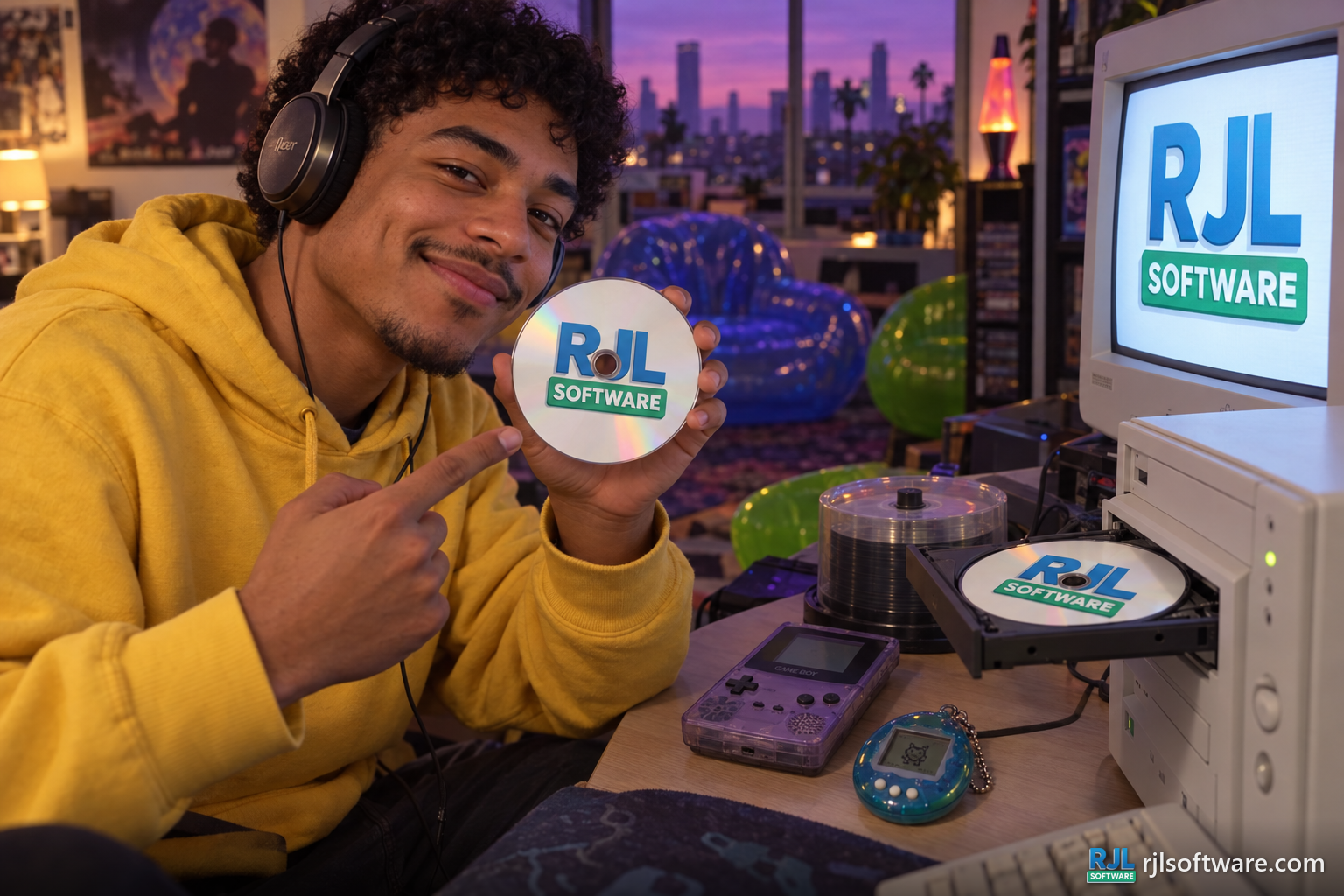
A young man shows a disc with the RJL Software logo beside an open CD tray in a Y2K nostalgia room